Building SuperPrefs for Haiku in Google Summer of Code 2017
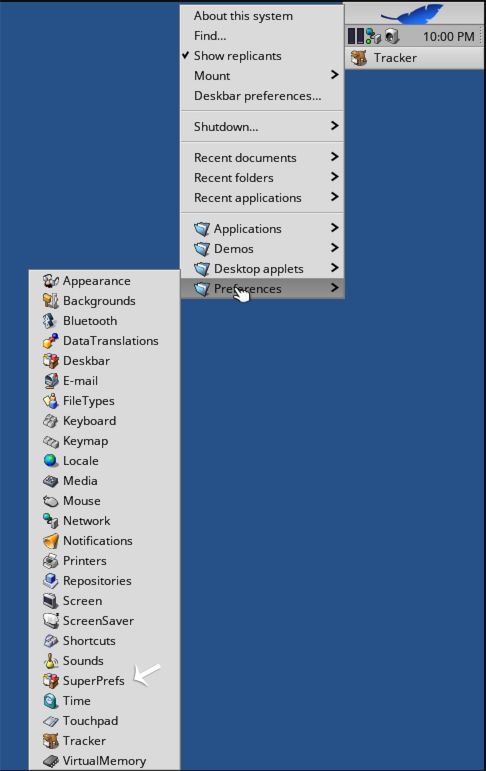
When I was new to Haiku, I opened the wrong preference panel while looking for a setting. The Deskbar menu listed the panels by name, which was helpful once you knew what each one contained. I wanted a way to find a setting without already knowing what Haiku called its panel.
I took that problem on for Google Summer of Code 2017 with Haiku. My project was called Preferences GUI Refactoring, and the application I built was SuperPrefs. It put Haiku’s preference panels, or preflets, in a single control panel where you could browse by category or search. My mentors were waddlesplash and Sean Healy.
Working out what to build
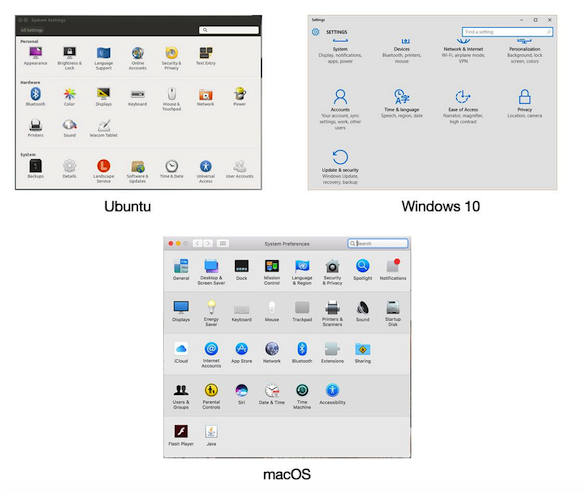
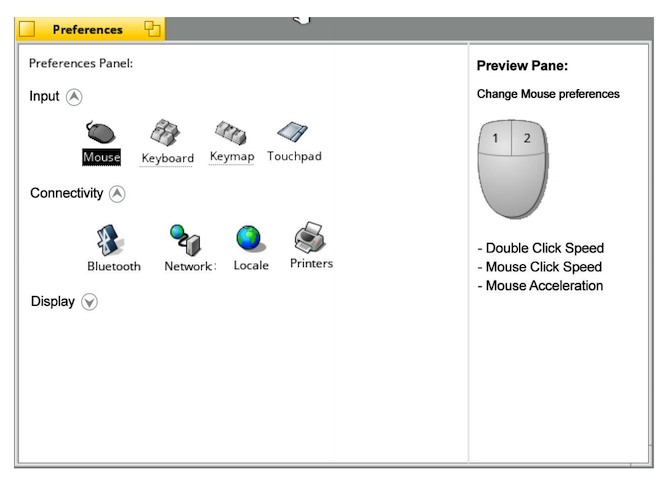
I began with mockups inspired by the control panels in Windows, macOS, and Ubuntu. My first proposal included a preview pane alongside the grouped preferences. The comments on that post led to a long discussion during community bonding. We set the preview aside and focused on grouping related preflets and making them searchable.
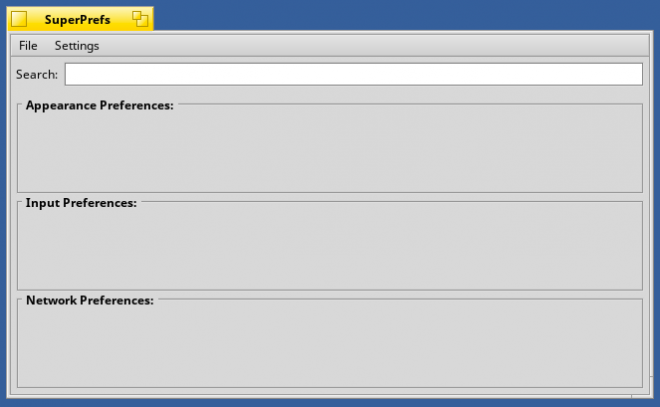
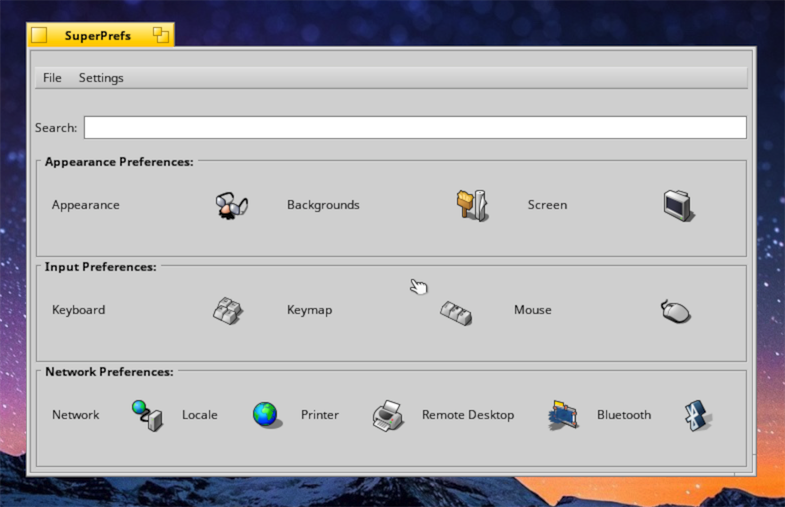
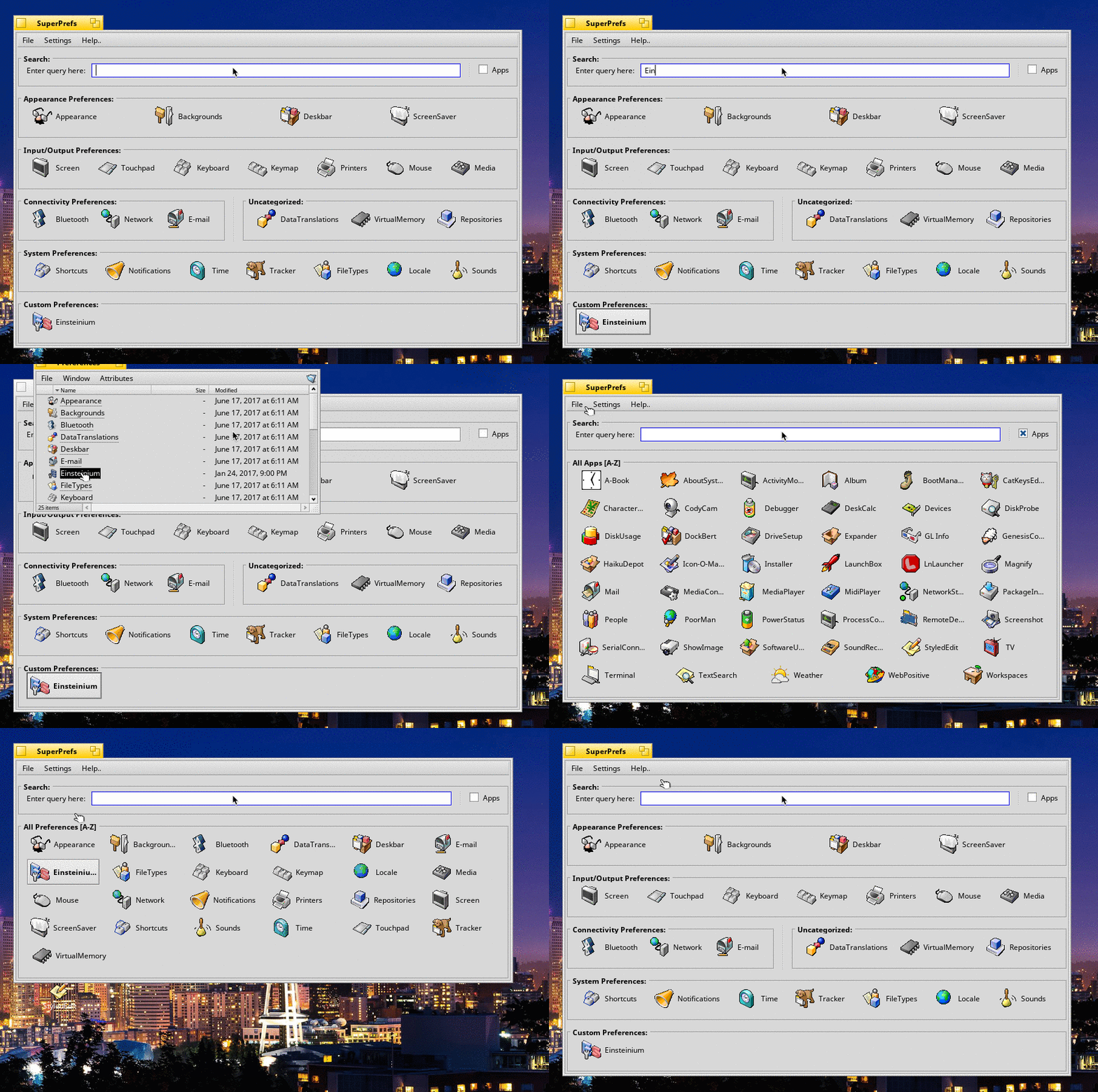
My first application window had boxes for categories and a search field that didn’t do anything yet. Haiku’s own FileTypes and LaunchBox applications gave me examples to work from as I added icons. I later switched to Haiku’s BButton controls, which handled both icons and labels. A preflet could then display its localized name, falling back to English when a translation was unavailable.
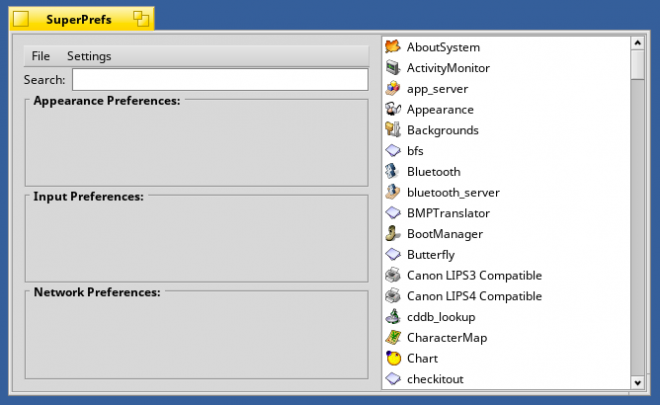
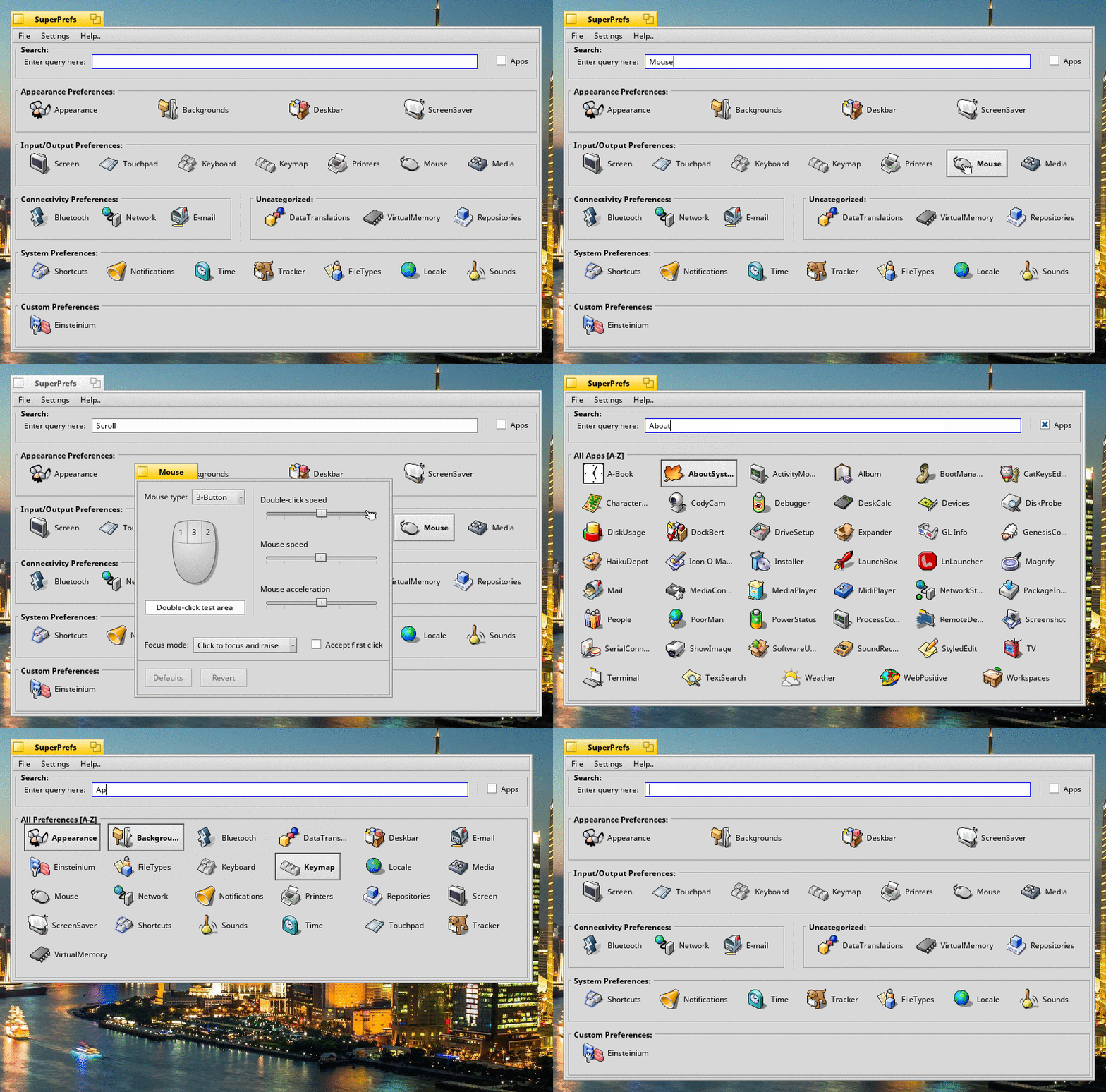
I also added a group for preflets installed by third-party applications and let users switch between category and alphabetical views. I experimented with listing installed applications too. The Apps view supported localized search, but it still needed work, including better handling for applications installed in subfolders.
From names to keywords
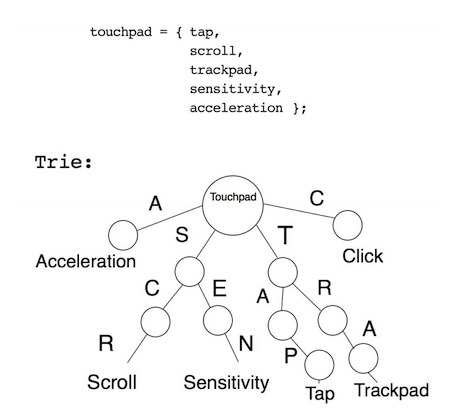
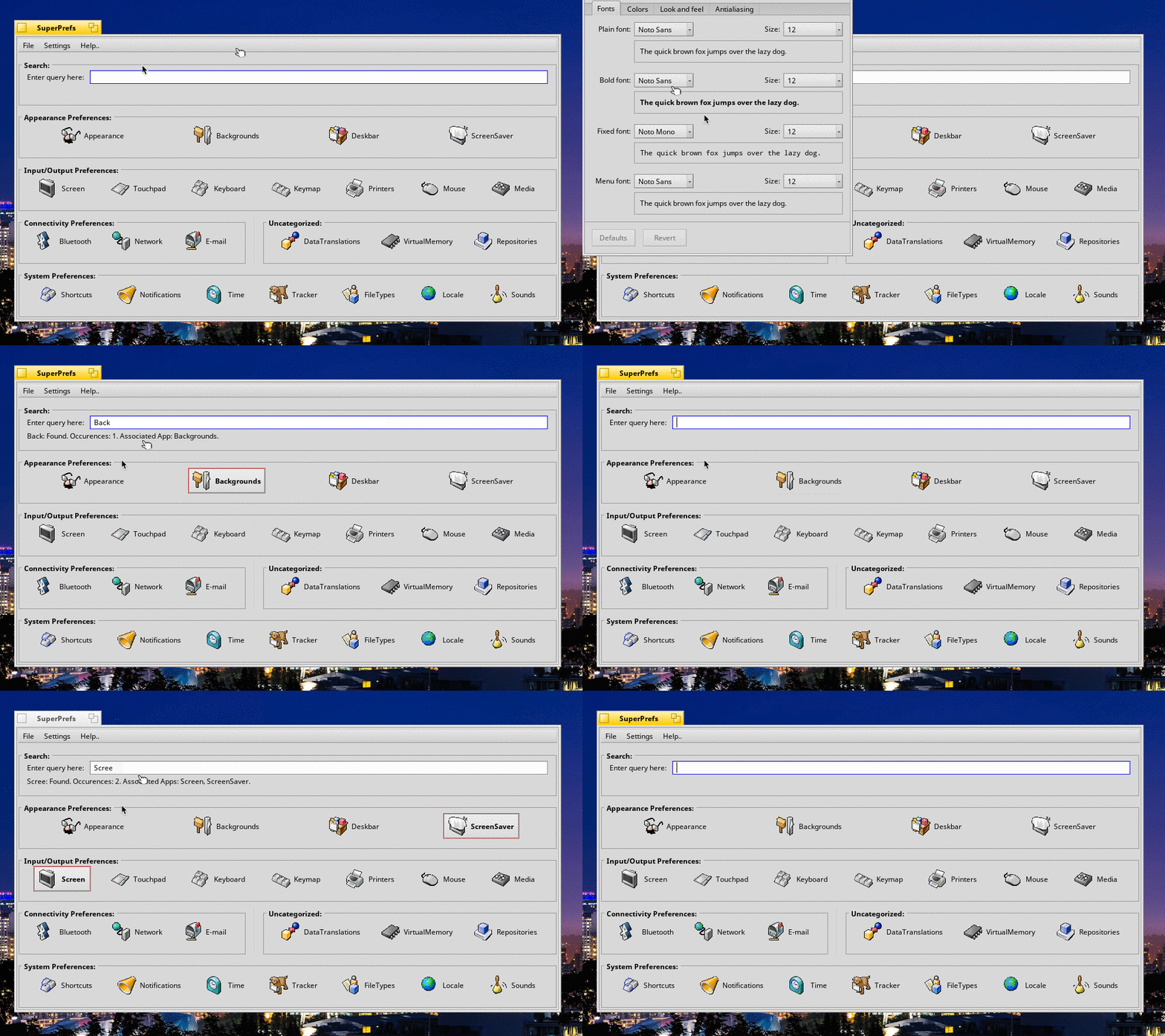
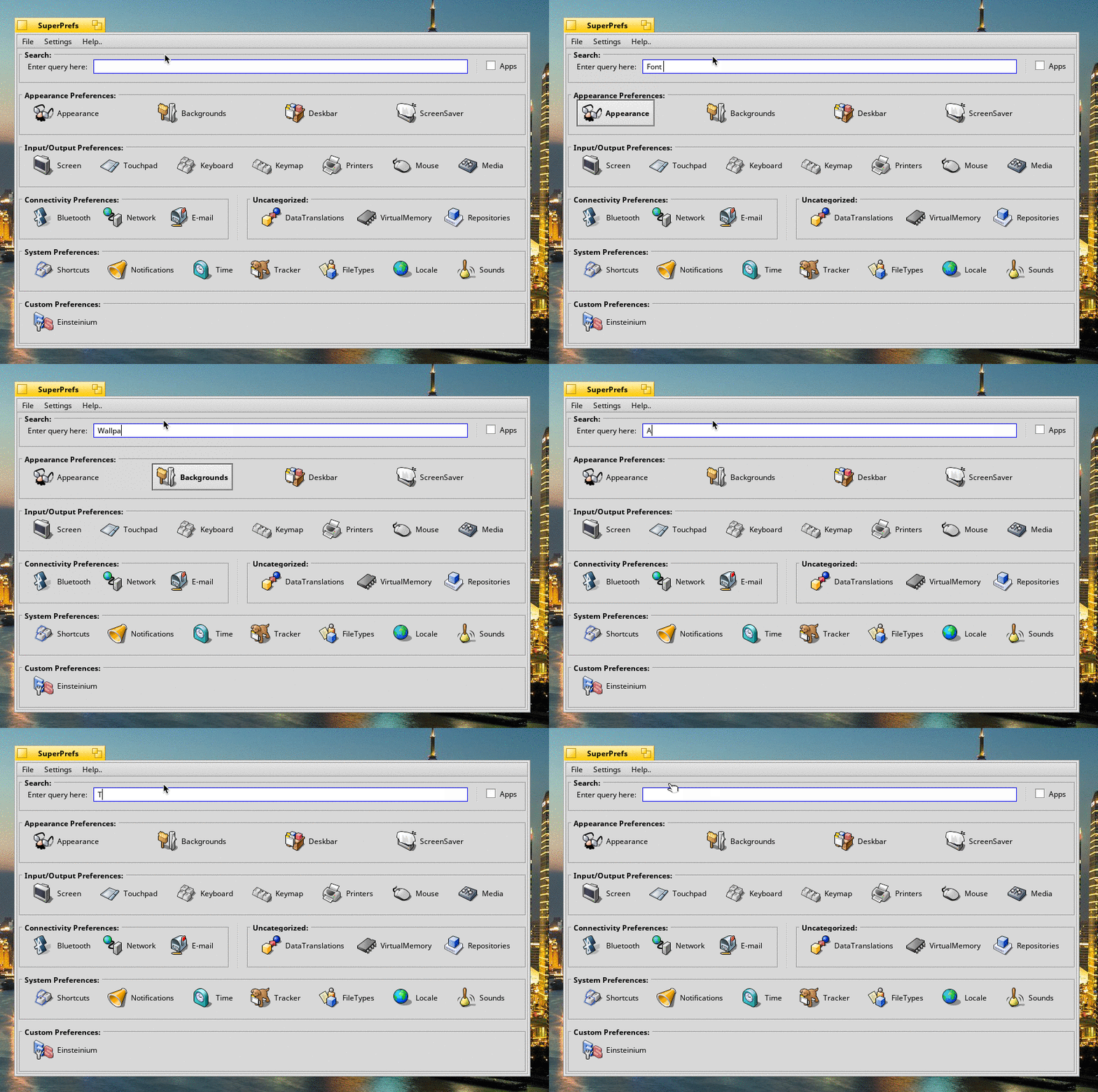
At first, search matched words in preflet names and highlighted matching panels as you typed. That helped if you knew part of the name. The more interesting problem was how to find a panel when you knew only what you wanted to change. By my last weekly report, search could match related keywords for all system preflets. Extending that to custom preflets was still in progress.
Where I left it
By the end of the summer, SuperPrefs could bring system and third-party preflets together, group them, and help users find them by name or, for system preflets, by related keyword. I still wanted to localize those keywords, let users set up their own categories, and improve the individual preference panels themselves. That last item was, fittingly, part of what I’d originally set out to do.
I learned a lot about C++ and Haiku’s APIs, but my notes from that summer also say quite a bit about pace. I was working around university exams and learned to value a steady pace over late nights. The weekly reports, IRC conversations, and mailing-list discussions taught me to explain what I’d tried and where I was stuck.
Thanks to waddlesplash and Sean Healy for answering my questions and helping me find my way around Haiku, to Brian Hill for filing issues, and to everyone who tried the application or commented on the reports.
Weekly reports
I published these updates on Haiku’s blog. The screenshots and demos are grouped with the reports they illustrate. Some original URLs may no longer open.
- Project introduction — the original proposal and search design.
- Report 1 · May 21 — community feedback and early Deskbar work.
- Report 2 · June 6 — the first window and the beginnings of the icon layout.
- Report 3 · June 22 — icons and the first pass at grouping preferences.
- Report 4 · July 12 — localized labels and search by preference name.
- Report 5 · July 30 — third-party preflets, sorting, and the Apps view.
- Report 6 · August 26 — keyword search for system preferences.